General
Why do I sometimes see a page saying “We are checking your browser” when I try to access Furbound?
If you are receiving a message from our DDoS protection system, then there is currently a check in place to make sure your browser is not part of a DDoS attack. Rest assured that after a few seconds you will be redirected to Furbound.
How do I use the Commissions tab?
Visit your settings to toggle “Accepting commissions” and add commission information to your profile. Your status will appear on your profile and across the site.
New to commissioning? Read our Commission Etiquette guide for pricing, contracts, and safety tips.
I'm missing notifications!
To help maintain server performance, Furbound periodically removes notifications which are older than a year old.
Furbound says I have an unread notification but I can't find it.
In rare instances the system may show an unread note (1N) that you can't find in your inbox. Email support@furbound.app (subject: “User Interface Issue — notifications out of sync”) and we'll assist.
Account
How do I reset my password?
Go to the sign-in page and follow the password recovery steps. If you continue to have issues, please contact accounts@furbound.app.
How do I delete my account?
You can choose to disable or delete your account from your Account Settings page.
How do I change my username?
Account renames are an oft-requested feature and a priority for us to implement. We do not have an ETA, but the system will be made available to all users in the future. In the meantime, you can change your display name on the Profile Information page under “Account Personalization”. This will change the name used for you in most but not all places on the site.
Can I have an account that has been abandoned?
We are no longer transferring accounts.
How do I block other users from contacting me?
Blocking a user will prevent that user from commenting on your content and responding to your comments. It will not remove their watch nor prevent them from accessing your content. Users may block anyone for any reason and Furbound will not contact users on your behalf. Do not have other users contact someone who has blocked you as this violates our Code of Conduct.
You can block a user by visiting their profile and selecting the “+Block” option from the tabs at the top of their profile. Additionally, you can manage your block list from the Profile Info page.
A user has passed away. Is there a way to show this on the profile?
An account marked as deceased will show ∞ next to the username and will no longer be usable. When a user passes on we have the ability to mark the account as deceased to keep it as a memorial. Email support@furbound.app with documentation (obituary, news article, death certificate, or funeral pamphlet). Once verified, the account can be marked as deceased.
My avatar is updated but the little icon version won't change!
The little icons that show using :usernameicon: and :iconusername: update at Midnight Eastern Time.
I keep getting logged out.
Most of the time this is an issue with security browser settings:
- In your Account Settings set the Account Security Level to “Full Security Mode”.
- Clear all cookies for furbound.app in your browser. This will also log you out.
- Log back in again.
This should make sure you are issued the correct cookies from here on out.
Uploads & Submissions
The submission titles and artist names under the thumbnails disappeared. What do I do?
There is a function to toggle display of image information. Simply visit your submission inbox, the browse page, your favorites, or a gallery, then click the button labeled “Enable Titles”. That should make them reappear.
I keep getting a “You are not allowed to view this image” message. Why?
You likely have your Content Filter set to General, which means it doesn't let you view Mature or Adult content. You can change those settings on the Account Settings page. Please be advised that you may only view Mature or Adult content if you are over 18. If you enable this content and are under 18, disciplinary action may be taken against your account.
If you still run into this issue with Mature and Adult content enabled, ensure the SFW button at the top of the page isn't highlighted.
I don't want my content to show up on search engines.
You can disable search engine indexing via the Site Settings page. Please note this doesn't remove your content from search engines (we have no way to do that), but it prevents future content from being indexed.
Search Page
Furbound Search will look for matches to all of the search query terms in the title, description, filename and keywords of submissions. The uploader's Account Name will also be searched, but not their Display Name. Searches are not case sensitive.
By default, search limits the results to the last 5 years of submission uploads. You can change this default (and others) under “Search Settings” on your Site Settings page.
Basic Searches
Find all of the terms. This is the default if no operator is specified.
fender & rednef
fender rednef
These two queries are the same.
Find any of the terms.
fender | rednef
Find submissions that do not contain the specified term. Only works combined with something else.
rednef -fender
rednef !fender
Parenthesis are used to construct more complex queries.
fox & (box | socks)
Multi-Word Searches
Find a series of words in a specific order in one continuous phrase.
"quick brown fox"
Find a series of words in a specific order, with no limit to how far apart they can be.
quick << brown << fox
Find a series of words close together without having to be adjacent.
"quick brown fox"~3
Find some subset of a provided series of words.
"red_fox gray_fox arctic_fox fennec swift_fox kit_fox"/2
Field Searches
Narrow your search to specific parts of a submission. All of these are exact matches, so fend will not match fender.
Searches for submissions with the term in the submission title.
@title fender
Searches for submissions with the term in the description.
@message fender
Searches for submissions uploaded by a specific account. Exact matches only.
@lower fender
Searches for submissions with the term in the keywords.
@keywords fender
Advanced Searches
You can search multiple fields at once:
@(title,keywords) fender
You can combine as many terms as you like:
(fender | rednef) @keywords plushie
Community Projects
✨ Community Banner Entry Info ✨
What are community banners?
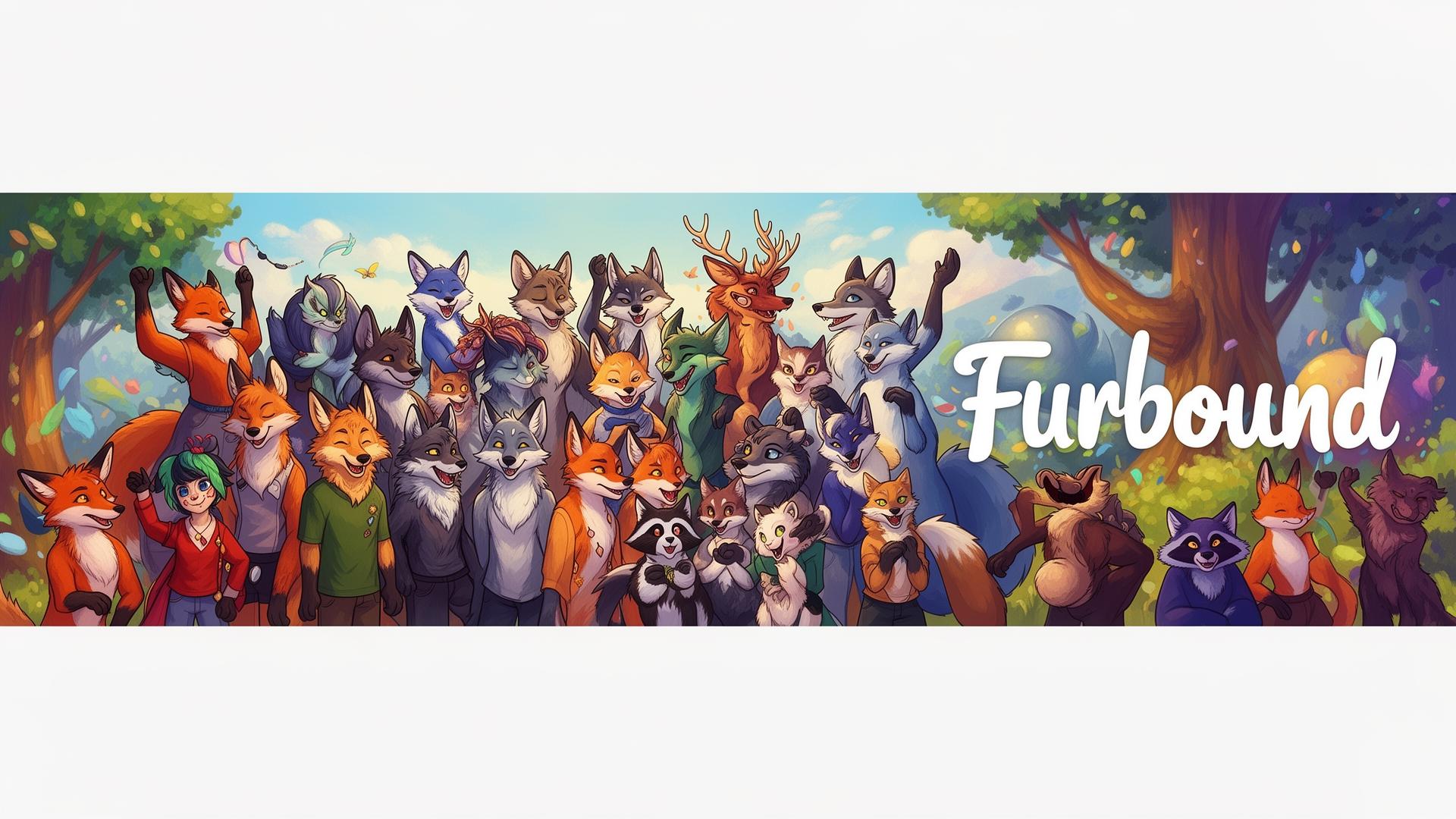
Artists submit banner ideas throughout the year and, if chosen, they will be featured as the site's default banner for a minimum of a week — sometimes longer if it fits a season or holiday. There is no set amount to how many that we will choose! We may pick 3, or 12, or even 42! Please use the tag FurboundBanner2026 in your tags for us to easily locate submissions. We ask that at least one of the site mascots is featured. All banners must meet General Rating guidelines to be considered. Please upload a version without too much compression.
Banner sizes are fixed at 1850×300.
Contact Us!
Follow us on:
- Discord
- Bluesky
Need help with something?
- Having an issue with your account and can't access it? Email accounts@furbound.app.
- Need to appeal an action against your banned account? Email appeals@furbound.app.
- Want to advertise on the site through our in-house ads? Visit /advertise.
- All other support questions? Email support@furbound.app.